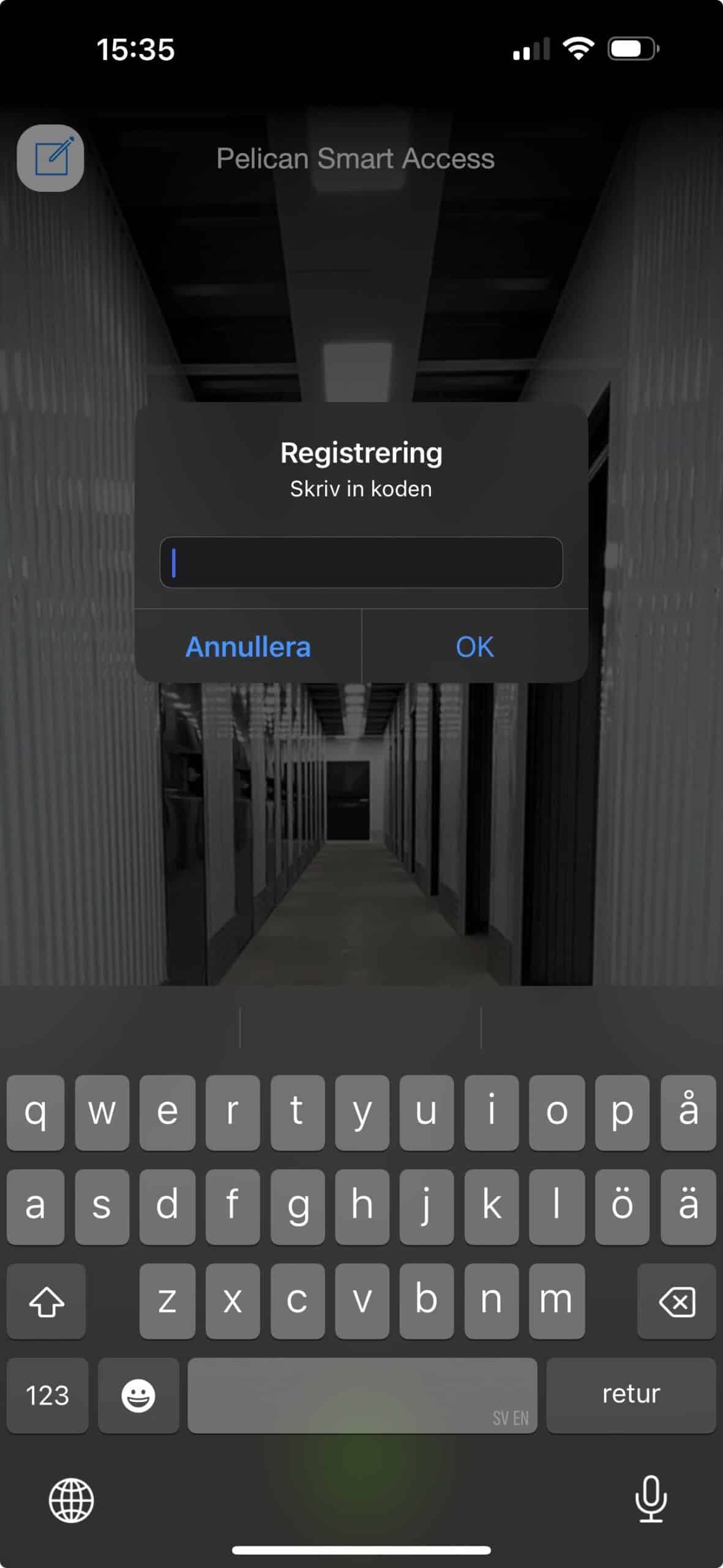
2: Enter your personal one-time code that you received by SMS/email.
NB: This code can only be used once. If you need to give permanent access to another person, family member, employee or similar, contact the store and we will help you.
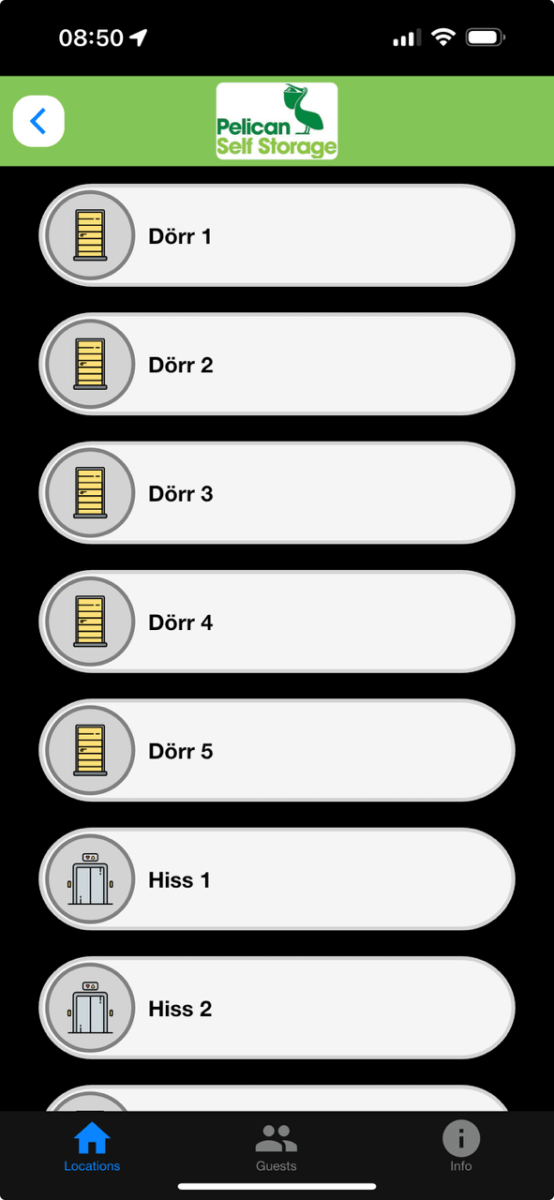
You can give temporary access to e.g. movers, delivery companies, etc. directly in the app.